If you haven’t been sleeping under a rock you will know that AI is all the rage. What you might not know is where we are now. Things have moved on from ChatGPT in a web browser…
The Overview
In this guide I will show you how to:
- Create an OpenRouter Account and get an API key. This gives us access to all frontier coding models
- Get a Docker image running (important for reasons later)
- Install OpenCode on the docker image
- Put in your Opencode API Key
- Talk to the AI and create an AWS EC2 Instance with a website that is available online
- See where else we can take it (tfsec, checkov, trivy)
That sounds a lot, but I believe most IT Architects are sleeping on this, so I want to show you what is possible.
Start
Openrouter
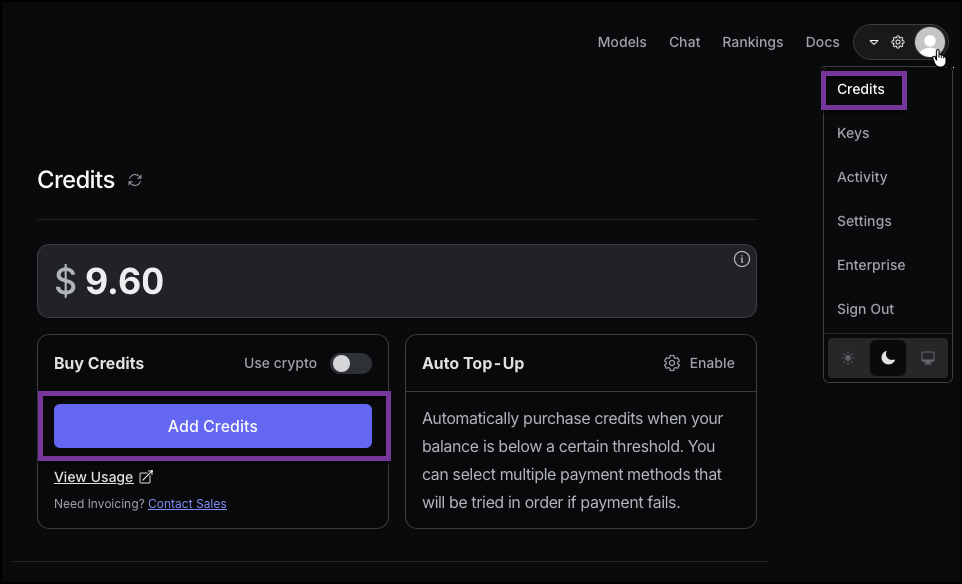
Go to https://openrouter.ai setup an account. I won’t explain the details. And add $10 of Credit to your account.
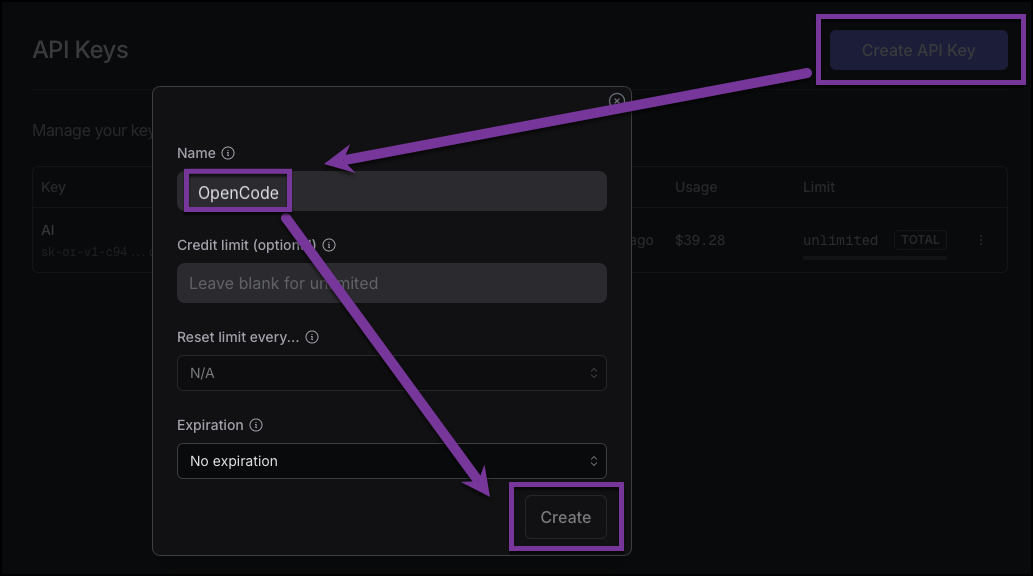
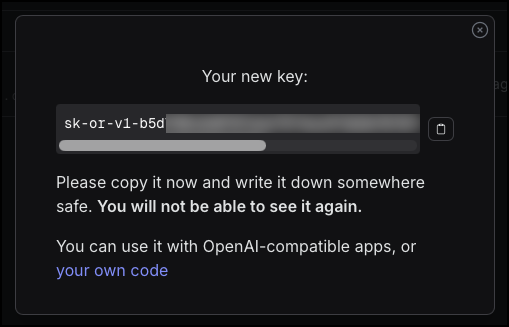
Then generate an API key from Keys and note it down somewhere.
NOTE: One of the most important pages for us is the Model pages for Programming, check it out
https://openrouter.ai/models?categories=programming&fmt=cards&order=most-popular
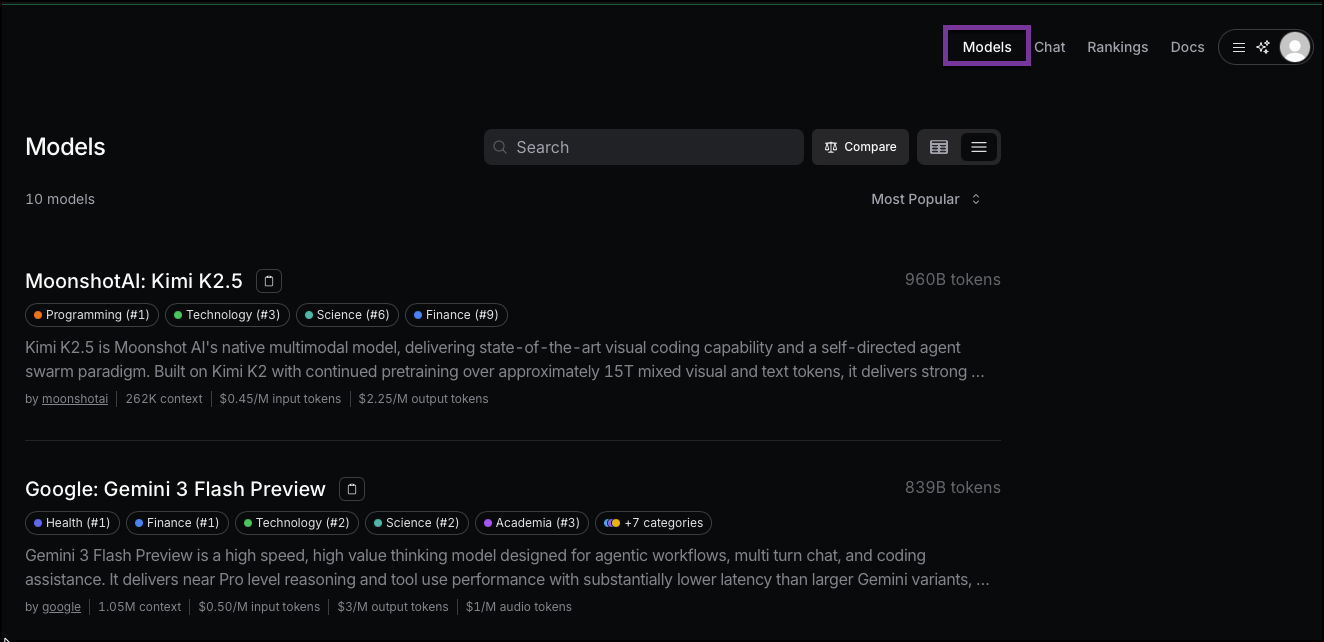
The way to interpret this is largely in the cost per input tokens. The current ‘Top Tier’ model is Claude Opus 4.6. This has an input cost of $5 per million tokens. Now, that may sound like a lot, but trust me it goes down fast! You can easily spend $10 an hour on this model, perhaps more. So, generally, I would recommend Claude Haiku 4.5 ($1 per million tokens) or GLM 4.7 ($0.40 per million tokens) and then go to a more competent model if required. I have tried the free models, but eventually you are rate limited, so just start on a paid one.
Docker
Now we need a docker container to host OpenCode software. The reason I recommend this is because inevitably it will install some tools and dependencies on our machine. Once you have a few plays around with this it will likely cause some future headaches!
So, ensure you have docker installed and create a folder on your local machine for your code (adjust for you OS, I like keeping my code here though)
mkdir -p ~/Code/Opencode-Demo/terraform-aws
cd ~/Code/Opencode-Demo/terraform-aws
docker run -d --name opencode-demo-terraform-aws -v ~/Code/Opencode-Demo/terraform-aws:/opencode ubuntu:24.04 tail -f /dev/null
docker exec -it opencode-demo-terraform-aws bash
Then ‘unminimize’ it to get some of the general tools we need in an OS like curl and wget etc…
apt-get update
apt-get install -y curl unminimize && yes | unminimize
We should also have our opencode folder that maps to our OS. Great!
Now we can install opencode
OpenCode
Install from here like so.
curl -fsSL https://opencode.ai/install | bash

Or, grab it as a binary or from a package manager if you are more paranoid
Then open it by typing opencode in our empty folder (the re-reading of the bash source file is a quirk of docker I think)
cd /opencode
source ~/.bashrc
opencode
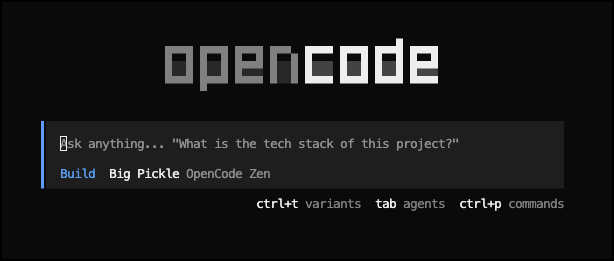
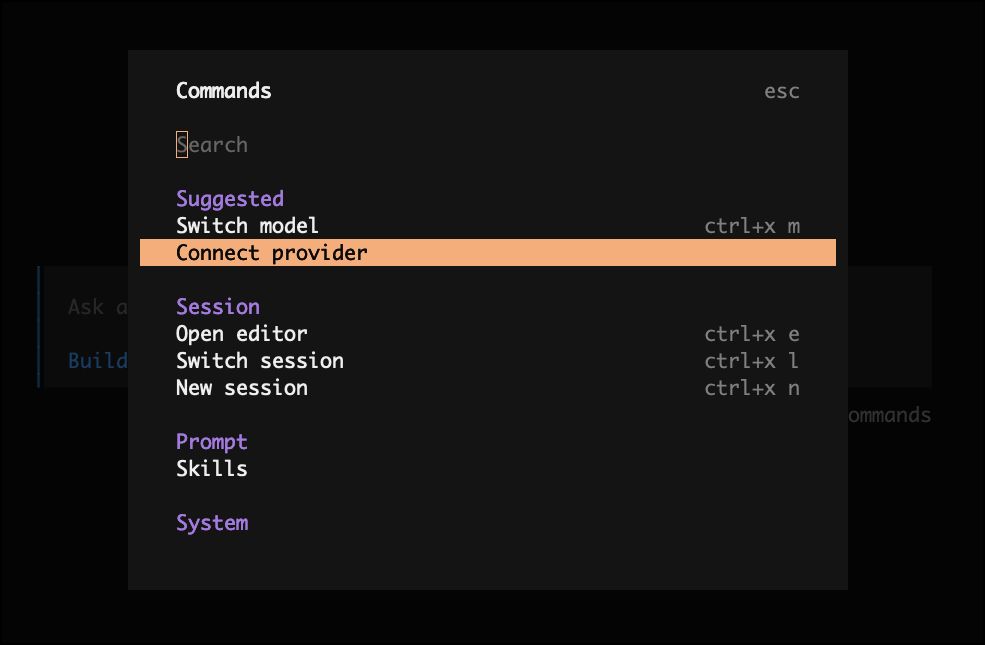
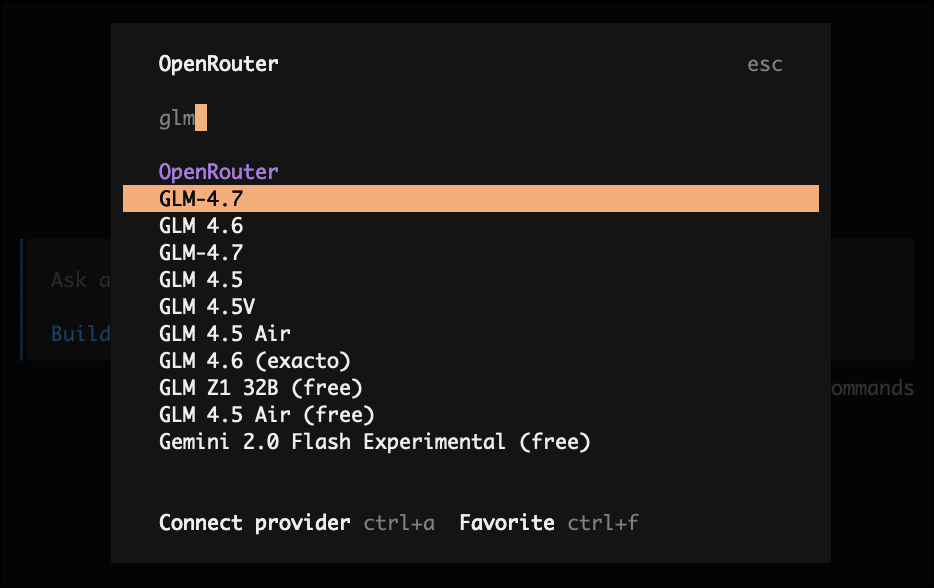
Type ctrl-p and choose ‘Connect Provider’ and choose ‘OpenRouter’ and put in your API Key.
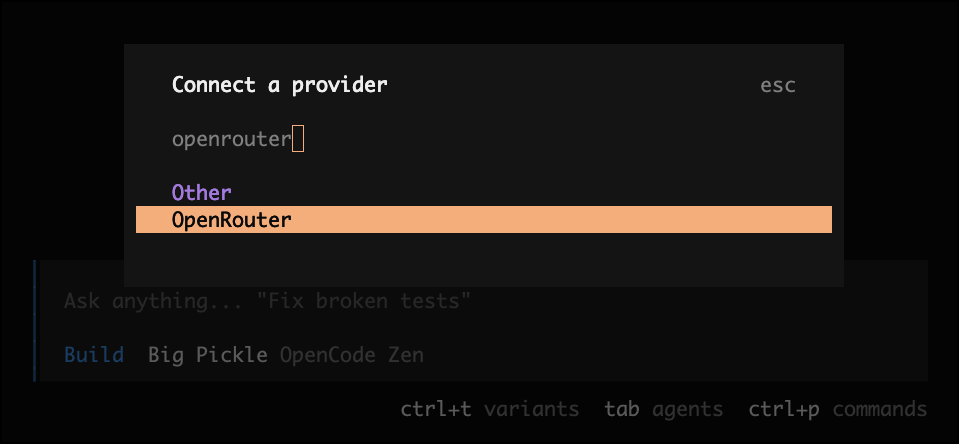
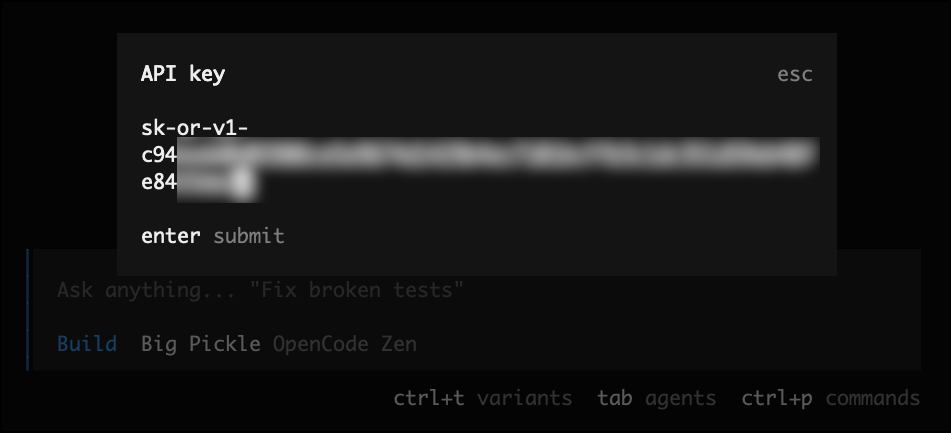
Then select the model ‘GLM-4.7’ for a capable and cheap model.
Almost there!
Terraform and AWS
Okay, now we can ask OpenCode to do things. There are two modes, Plan and Build.
Plan and Build Mode
Plan mode is a read-only way to talk to the agent and ask it to think about things.
Build mode is when you are happy for OpenCode to make changes to your system and generate files (see why we are in a container now?).
You use the TAB key to switch between them.
Generating a Plan
The first step is to generate a plan of what we want the agent to do. So, lets give it very precise instructions. This is where local knowledge of the problem of the system you want will help immensely, give as much detail as you like. More time here will save time later so try and be very specific where you can. But, if you are slightly unsure then no worries, we can add to this later.
I would like to use Terraform to create some AWS infrastructure in the us-east-1 region. It should comprise of a dedicated VPC, a Public subnet, a security group to allow SSH connections from a specified IP in the variables file (assume 1.2.3.4 for now) and global access to port 80. You should create an EC2 instance of size t3.micro and have it start a webserver that will have a page displaying details of the instance. Use the latest production terraform version and the state file can be held locally for now. Create a plan and detail what you will do to accomplish this. Please also be ready to install any requirements like the correct terraform binary.
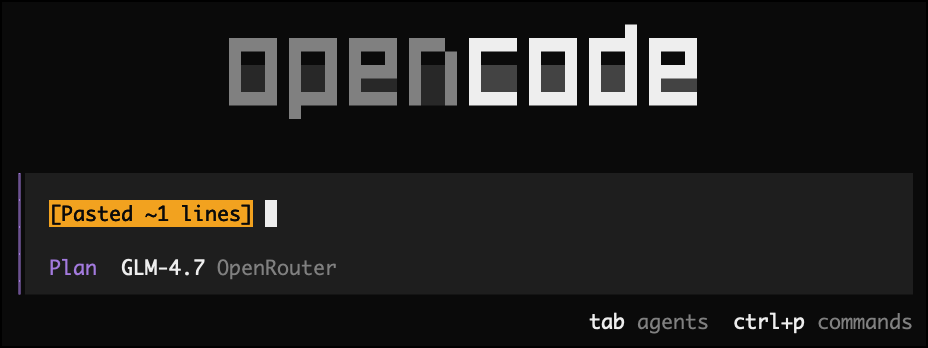
That should be plenty. Let’s ask it to plan this.
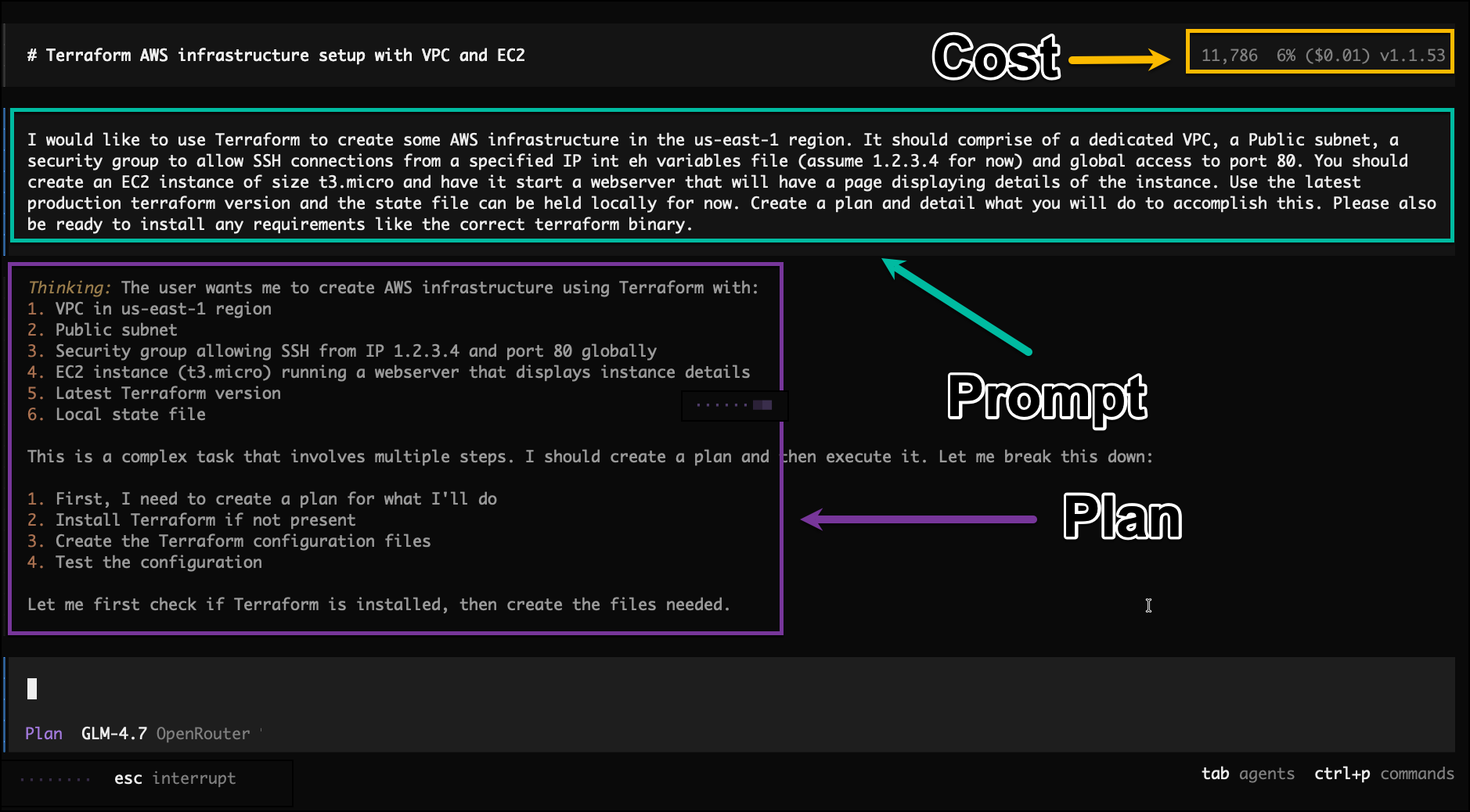
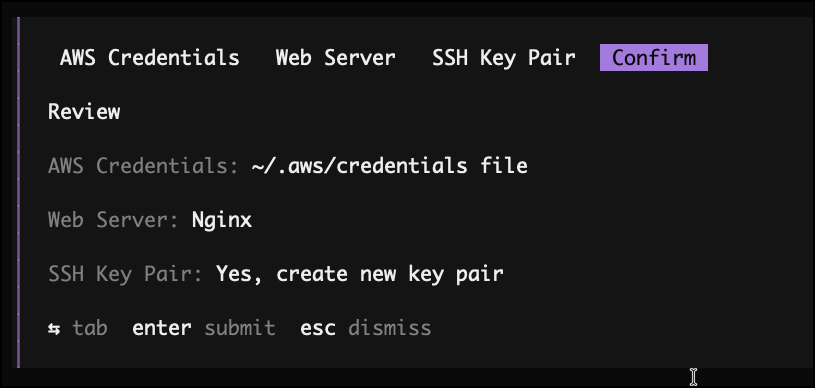
It will chug away, and then may eventually ask you a few questions, like, what AWS credentials do you want to use. We will choose the ~/.aws/credentials method.
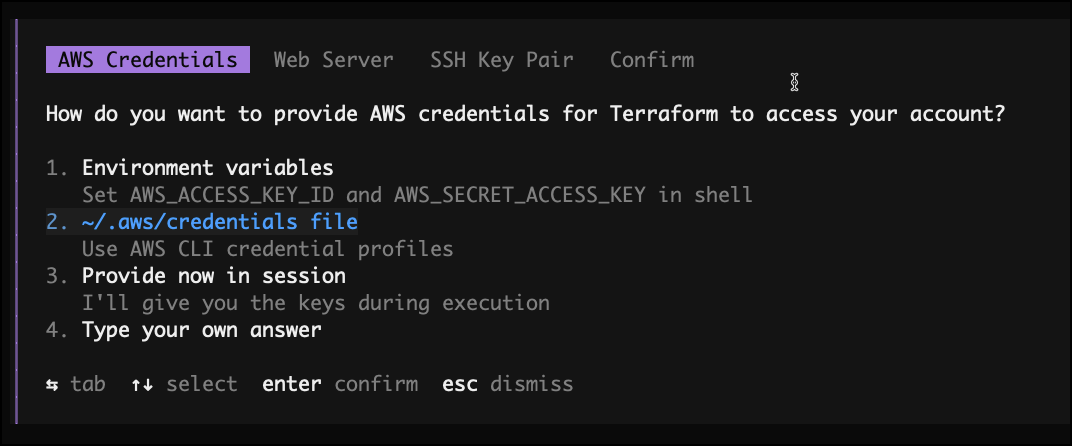
It may ask other questions like what webserver to use, just choose what you like with arrow keys as it asks.
It will create a comprehensive plan.
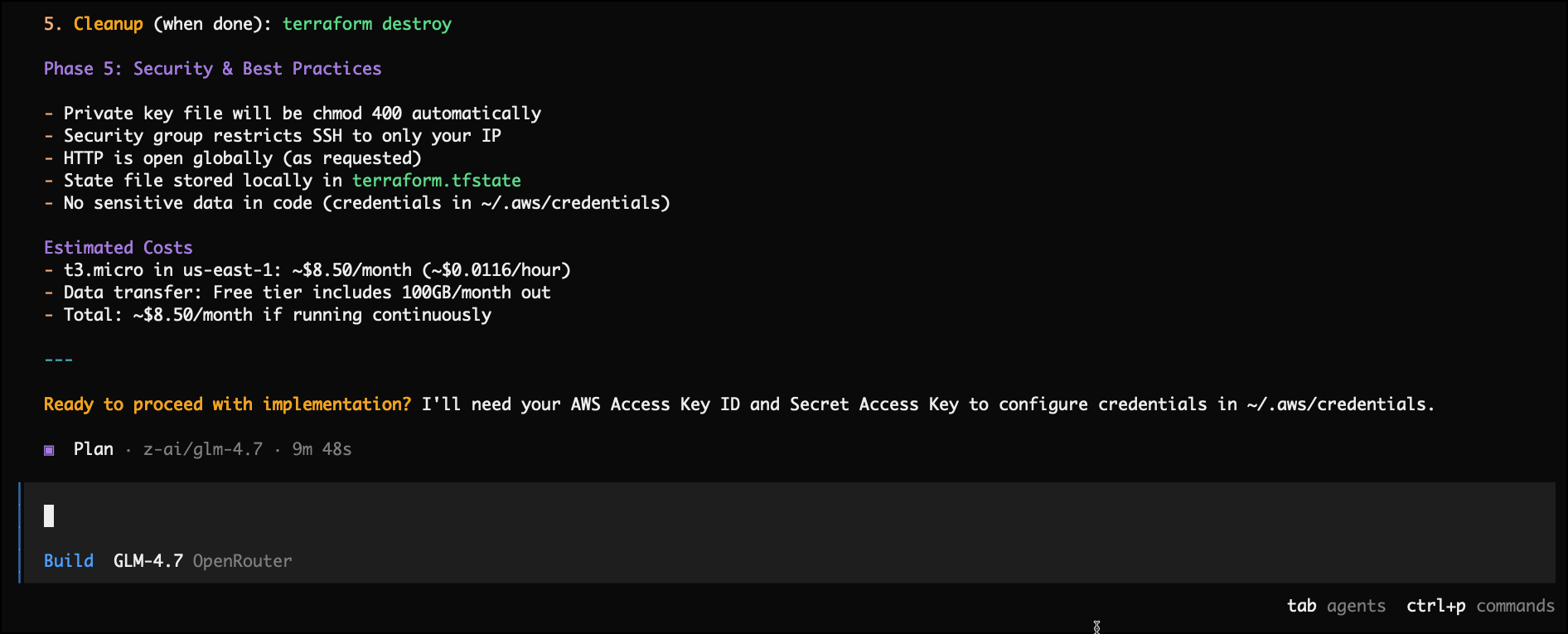
Building the Plan
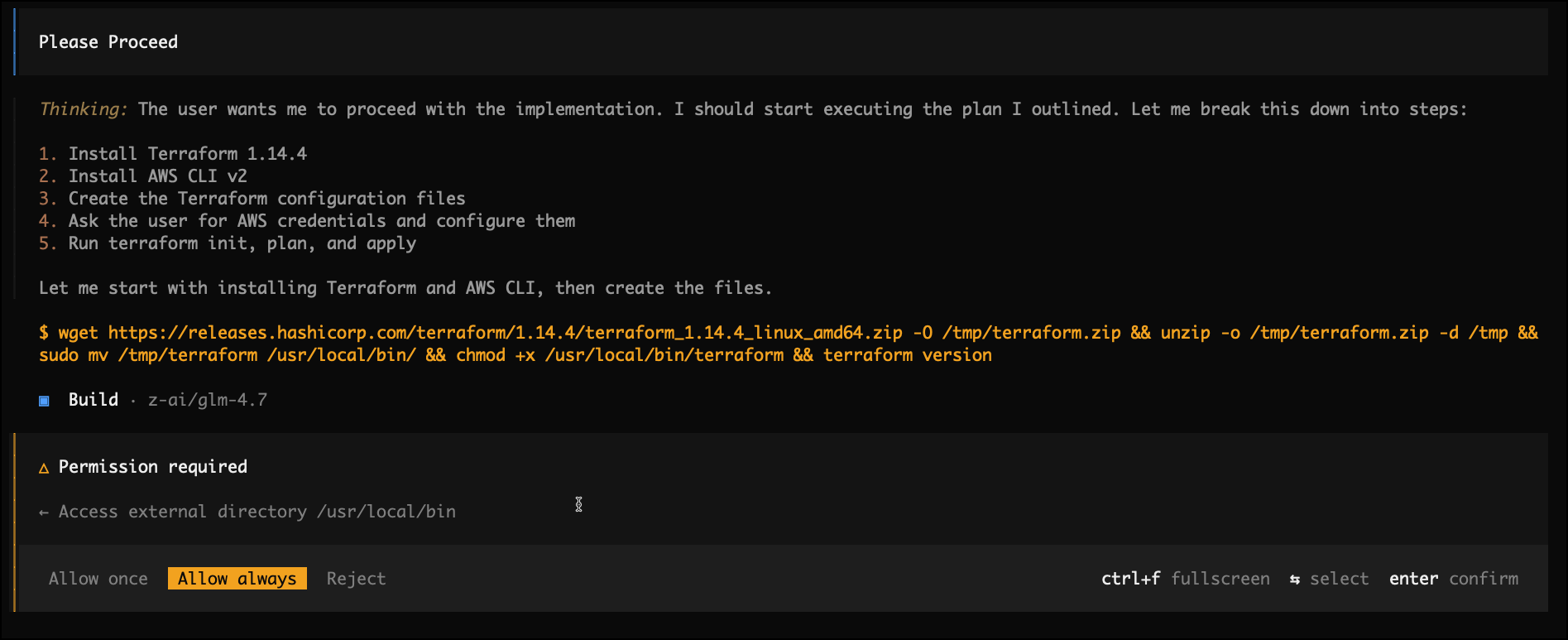
Now hit TAB to switch into build mode and say ‘Please Proceed’. It may ask for some permissions, just allow it (again, why we use Docker!)
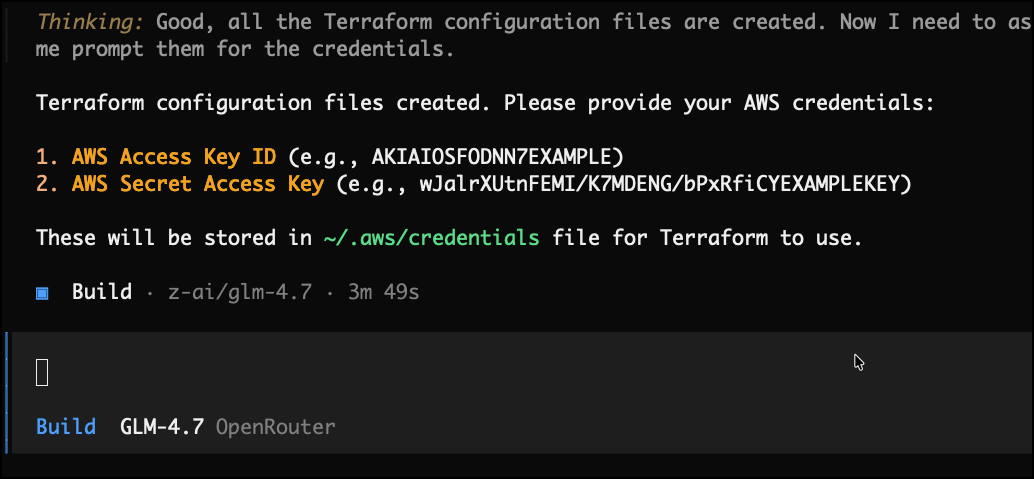
This may take 3 or 4 minutes and ask some more questions. Just let it do as required. It will ask for AWS credentials, so input these
And it will eventually start to plan and apply!
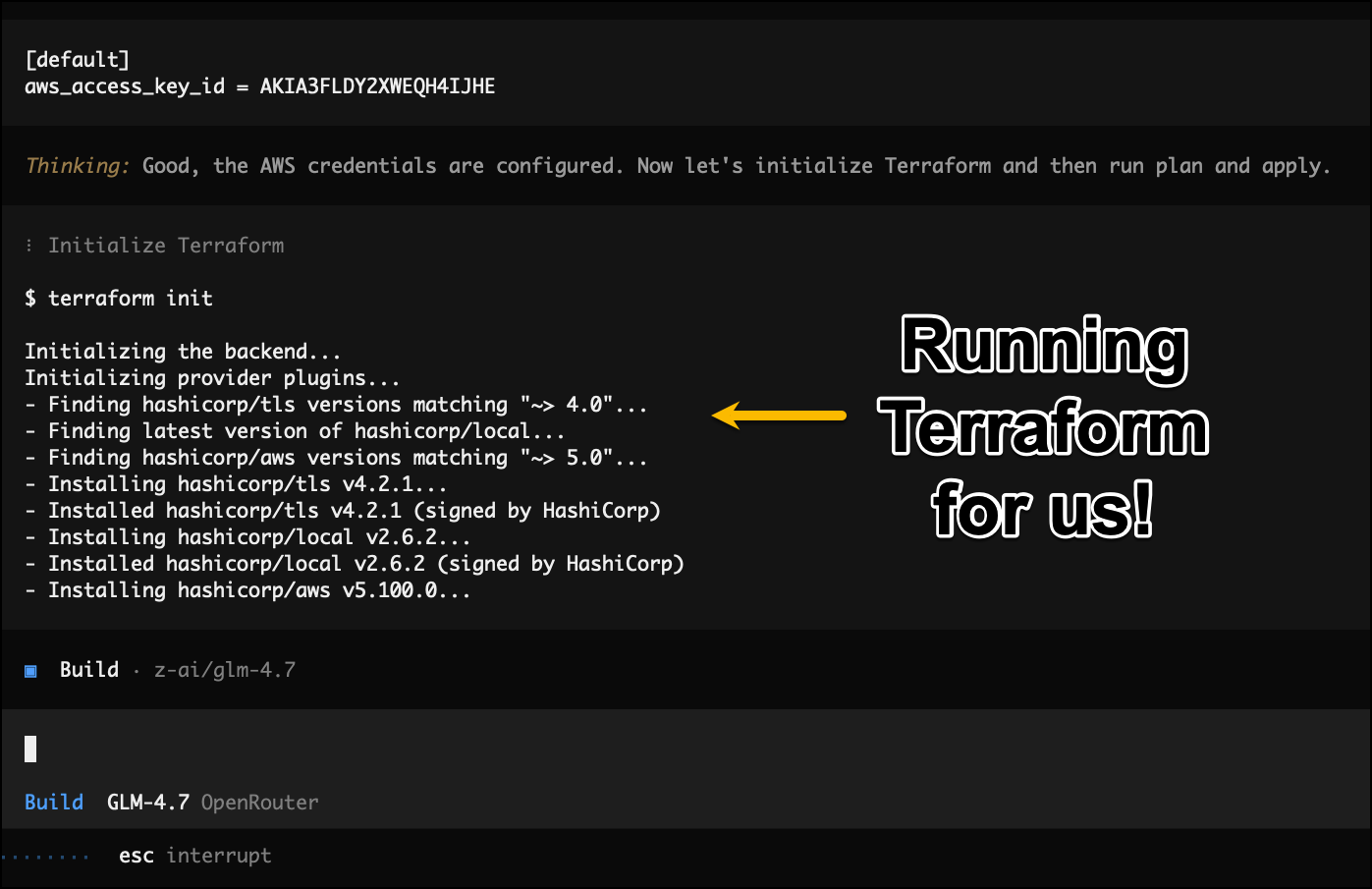
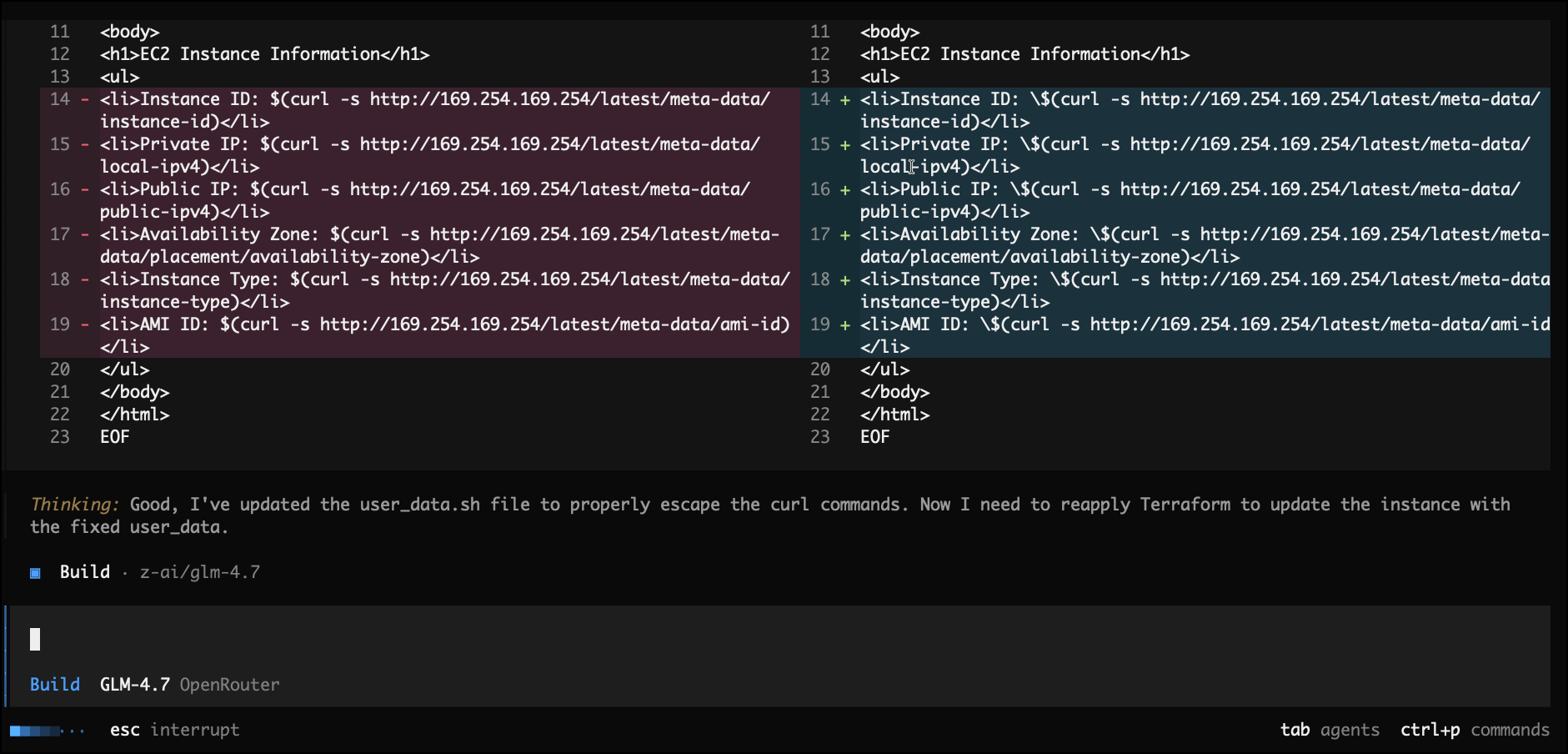
During apply it found an issue and self-corrected itself
And then we get an instance created
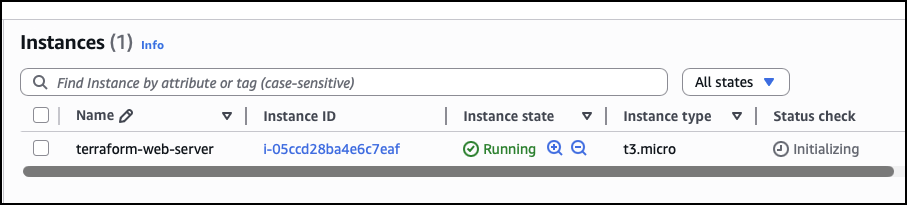
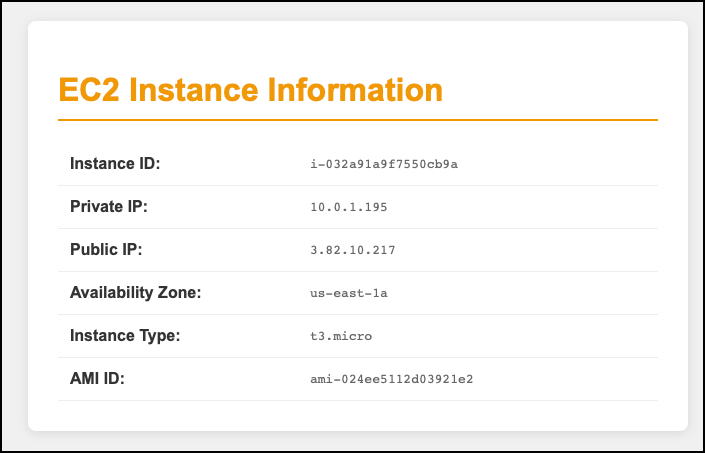
And what did this cost us in tokens? $0.22. Not too bad.

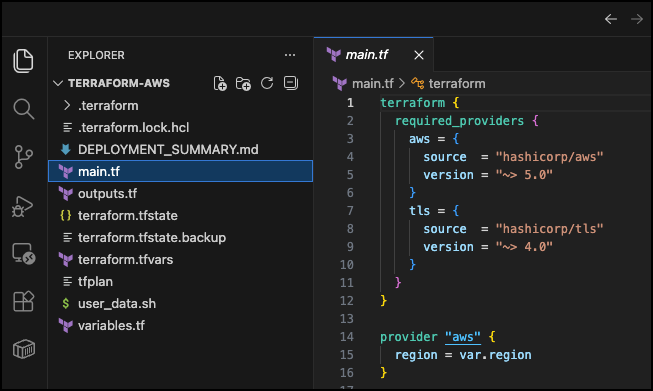
Once complete, we should have a whack of files. Feel free to open VSCode on your host machine and inspect what it did.
Setting a Check Point
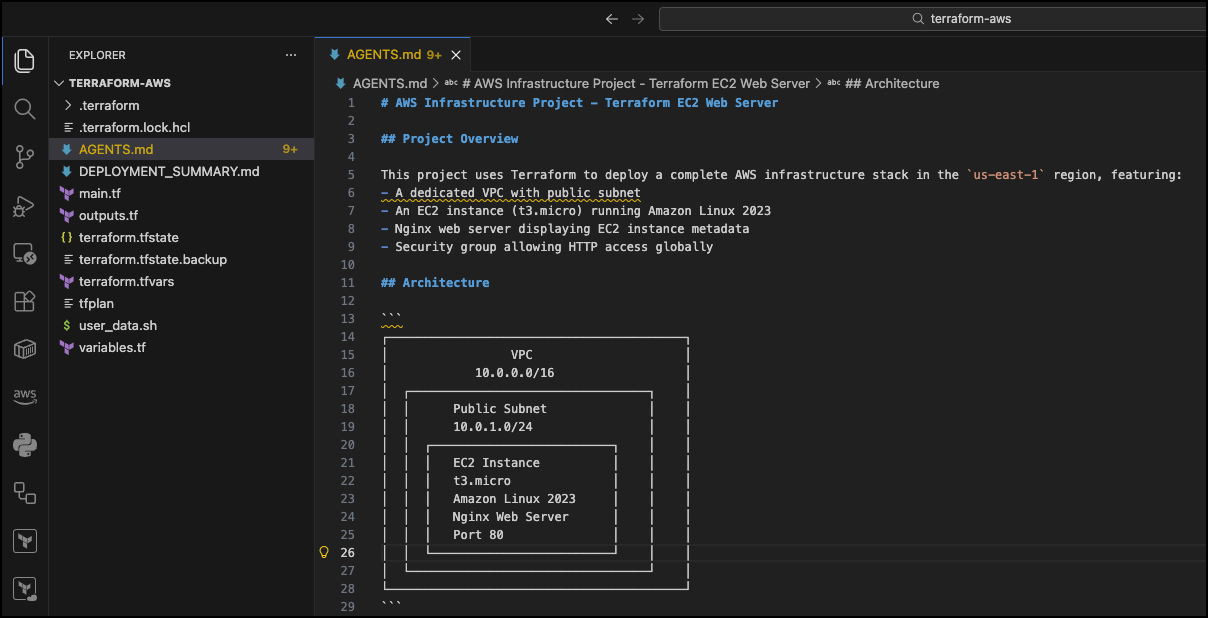
One thing we should do is ask the agent to create an AGENTS.md file and record what it has done and why. Next time we load opencode it can read this and understand the context much more quickly.
Please create an AGENTS.md file and insert any relevant information to allow another agent to understand this project and what you have done.
Next Steps
From here, the choice is almost infinite. You could do these things
- Ask it to create a git repo and make a commit per change so you can’t degrade what you have easily
- Ask it to implement TaskFile shortcuts to make running apply and destroy easier
- Ask it to run tfsec or checkov and fix any bugs
- Ask it to draw a network diagram of the design
- Ask it to make a real website, package it as a docker container, create a registry in AWS, and then host it in a Fargate cluster. The crazy part is that it will manage it!
And don’t be afraid to take this over manually and use opencode as a coding buddy. It has really opened my eyes to what is possible. It may look like just what you get in Cursor or VSCode but you can really dig much deeper and end up in rabbit holes you would never believe.
Caveats
There are some issues, and the biggest one is that you pay for what you get. You can try stronger models, and they may actually work out cheaper as they can ‘one-shot’ the solution whereas a cheaper model may need a couple of iterations to get to a solid base.
Have fun!